Find the portal’s legal documents (terms of service, privacy policy, cookie policy), see where the footer’s marketing links lead, and recognize the not-found page.
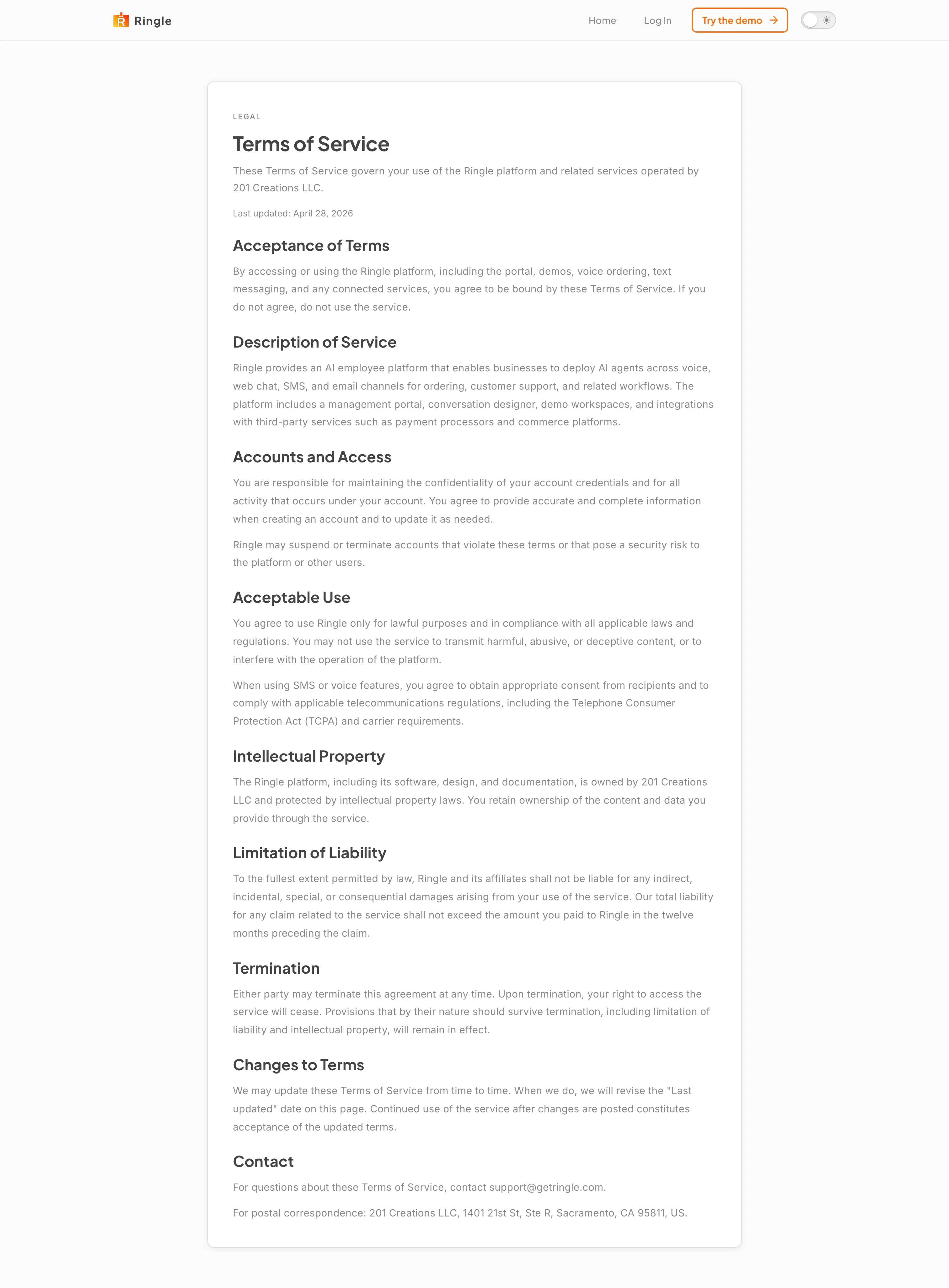
Action: Go to https://portal.getringle.com/terms, or click Terms of Service in the footer of any public portal page.
What you should see: The Terms of Service page loads with its last-updated date and sections covering acceptance, description of the service, accounts, acceptable use, intellectual property, liability, termination, changes, and contact details.
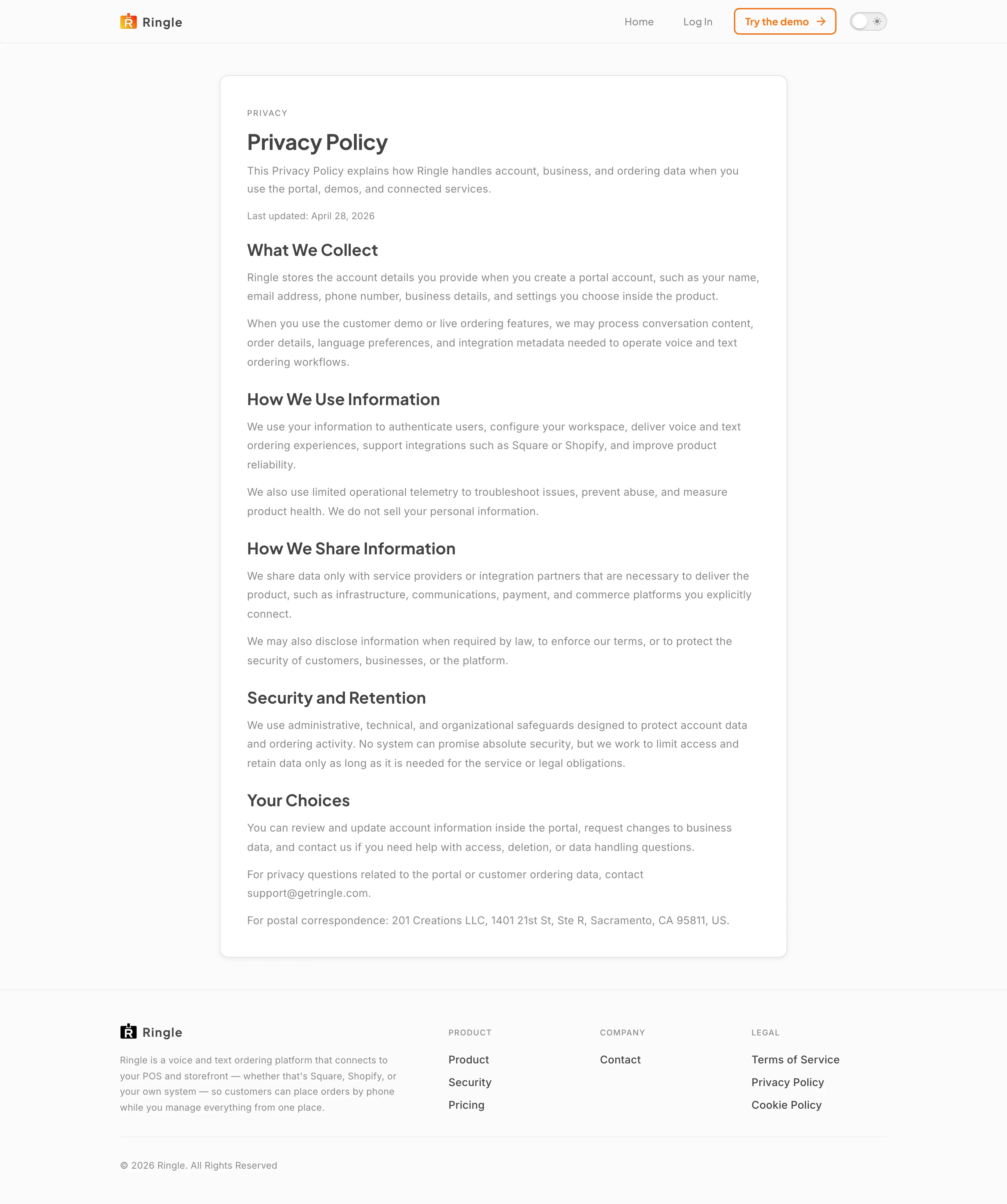
Action: Go to https://portal.getringle.com/privacy, or click Privacy Policy in the footer.
What you should see: The Privacy Policy page loads. It explains what data Ringle collects, how it is used and shared, security and retention practices, and your choices, with a support contact for privacy questions.
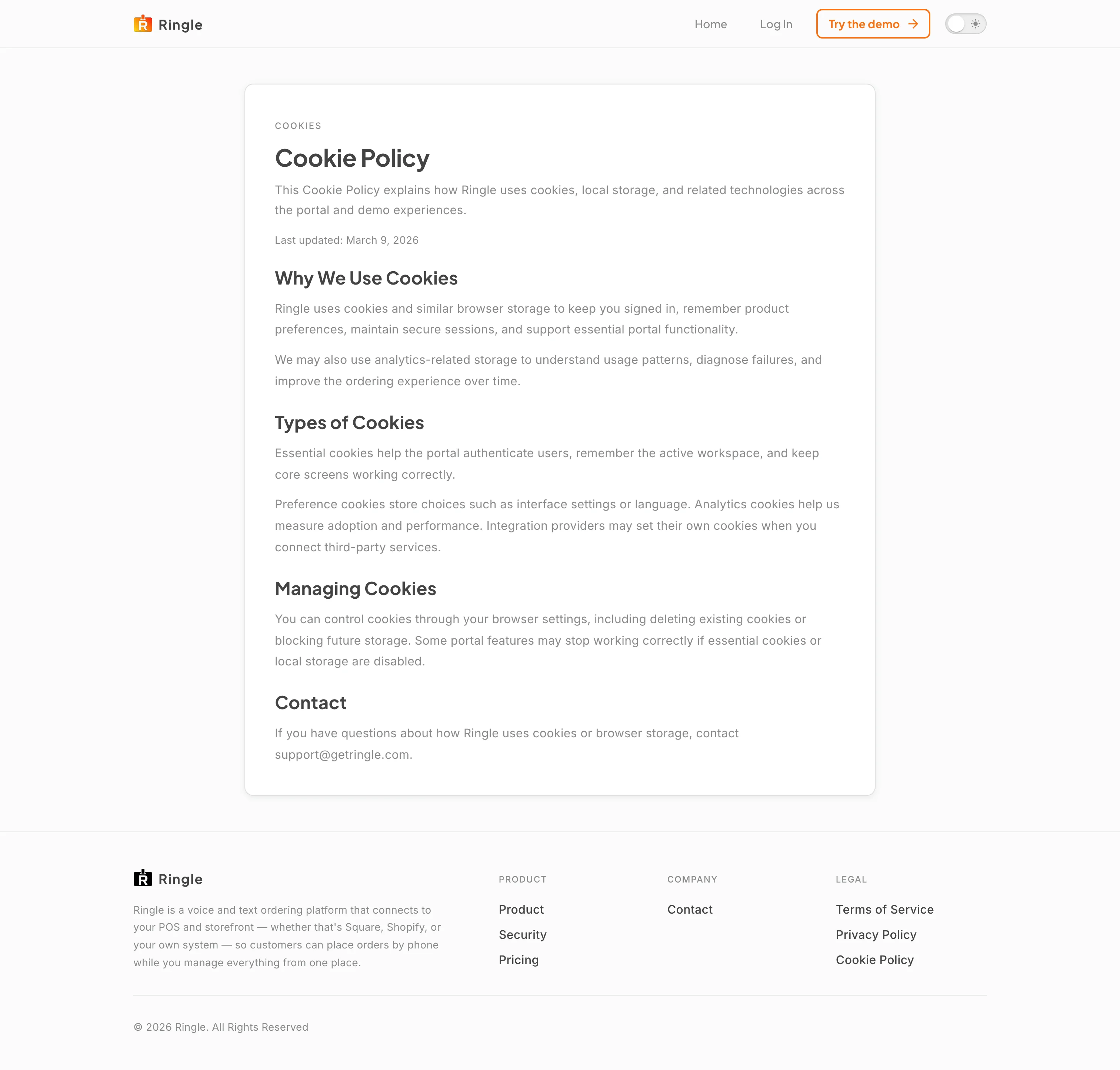
Action: Go to https://portal.getringle.com/cookies, or click Cookie Policy in the footer.
What you should see: The Cookie Policy page loads and describes why the portal uses cookies and browser storage, the types in use (essential, preference, analytics, integration), and how to manage them in your browser.
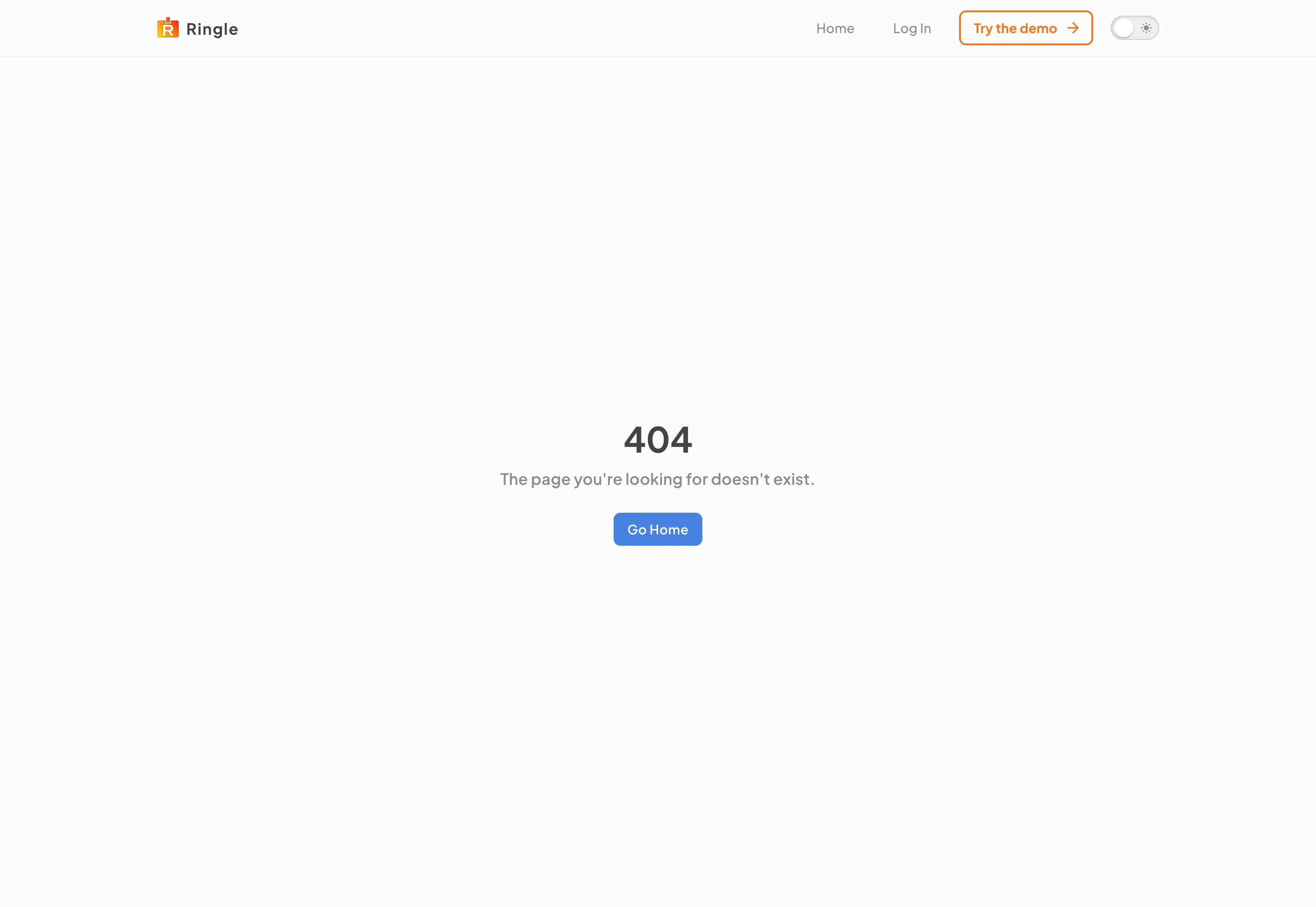
Action: Visit an address that does not exist, for example https://portal.getringle.com/this-page-does-not-exist.
What you should see: The portal shows its not-found page: a large 404, the message “The page you’re looking for doesn’t exist.”, and a Go Home button that returns you to the landing page (or your dashboard when signed in).

Action: Click Product, Security, Pricing, or Contact in the portal footer.
What you should see: The browser leaves the portal and opens the matching page on the Ringle marketing site at www.getringle.com. The screenshot shows the Product page after following the footer’s Product link. Use the browser back button, or the Open Dashboard link in the marketing header, to return to the portal.
/terms, /privacy,
/cookies, plus the catch-all not-found page for
unrecognized addresses.pages/legal/* in the portal
app./product), Security
(/security), Pricing (/pricing), and Contact
(/contact) links redirect to the corresponding pages on the
marketing site.